
Explore at
your own pace.
We want families to be able to read, navigate, and contact the school in ways that work for them.
Reading and navigation.
Use the skip link at the start of each page to reach the main content. Navigation, photo controls, and forms can be used with a keyboard. Your device’s reduced-motion setting limits animations.
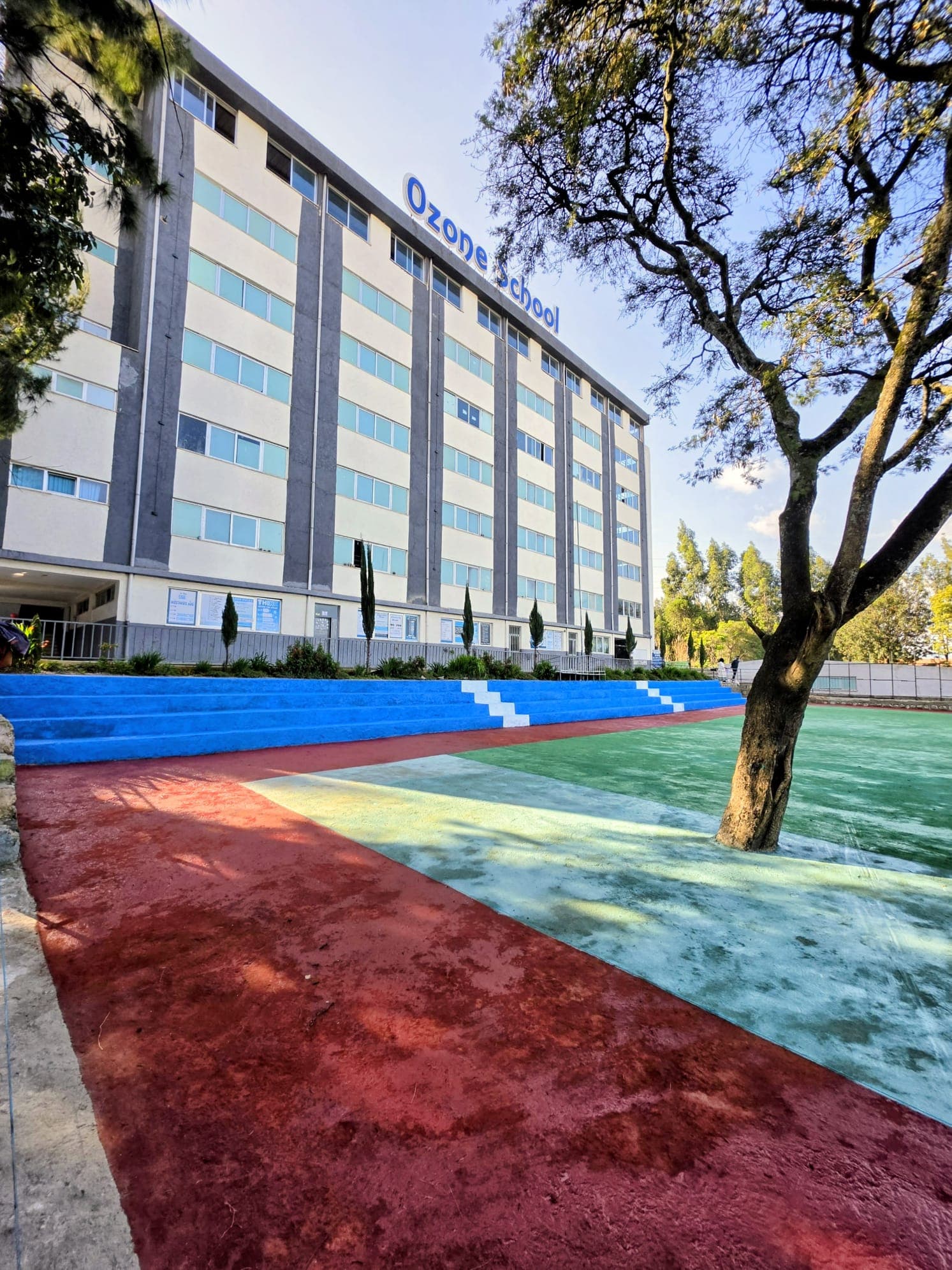
You can enlarge the text with your browser’s zoom controls. Each photo has a written description, and important contact information remains available without loading the interactive map.
Video and documents.
You can play, pause, and adjust the sound of our school video. A written description accompanies it. Our school handbook is available to download; contact the office if you need help with the document or a more accessible version.
Let us know what gets in the way.
If something on the site is difficult to use, contact the school with the page name and the problem you encountered. You can also call the main office for information directly.
Come curious.
Leave with possibilities.
Meet the people, ask the questions, and find your family’s place at Ozone.
Let’s arrange a visit